You highlight passages while reading... and then what? For most people, those quotes sit on your device, rarely searched and almost never revisited. You loved them when you read them, but after you finish the book, it's easy to forget what moved you.
That gap between capturing and using what you read is exactly why dedicated tools exist. The three options below take different approaches: a free multi-platform highlight library, an established reading ecosystem, and a Kindle-focused export hub.
1. PastReads
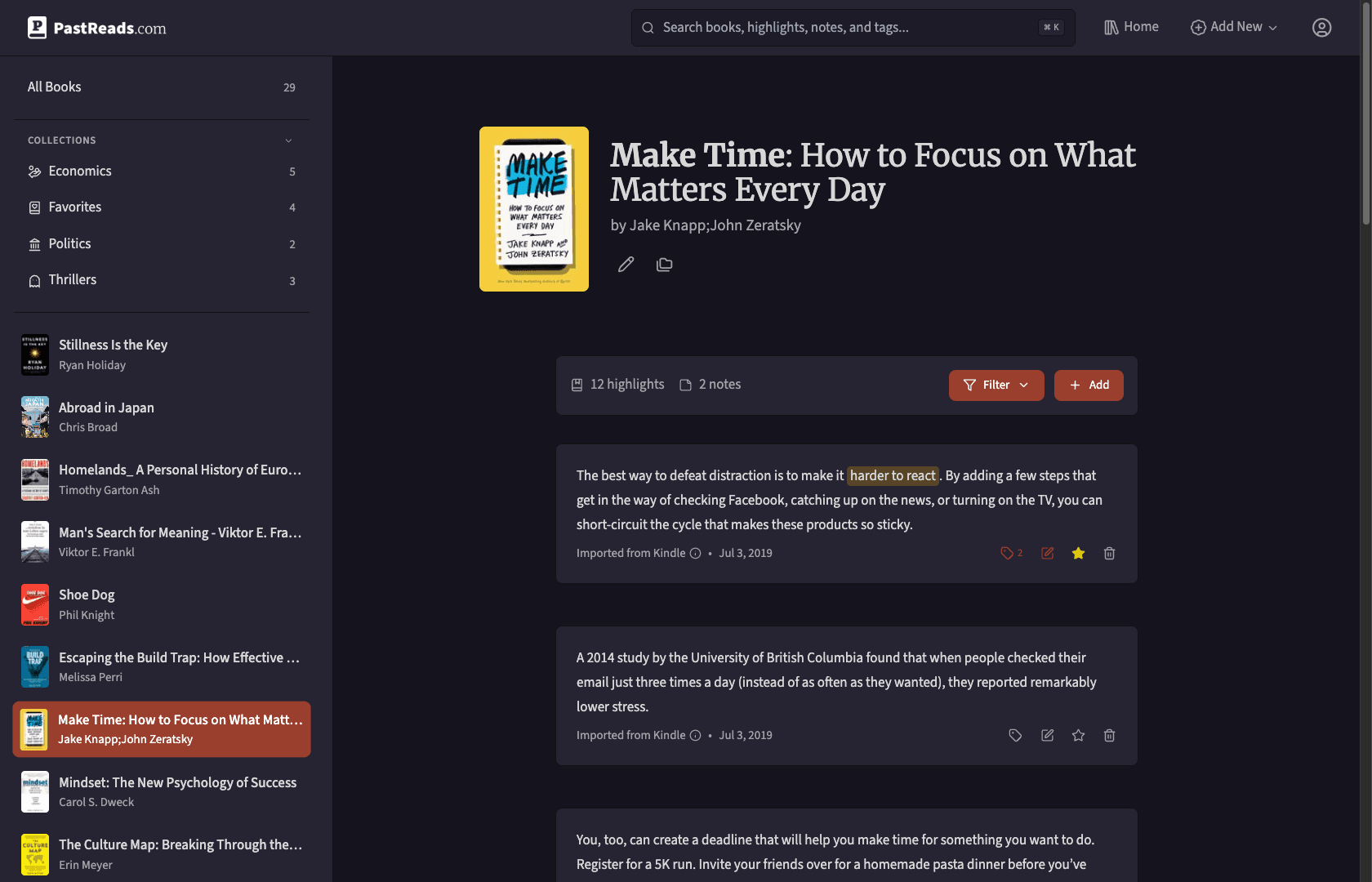
PastReads is built for readers who want one searchable home for everything they want to remember: across ereaders, apps, and the web.
Import is where it stands out. There are tons of options. You can connect your Kobo or Kindle device and upload your highlighted passages, or send highlights from the Kindle app or Apple Books directly to [email protected]. If you are switching from another service, you can pull in your entire Readwise library too. A Chrome extension handles web articles, while the iOS and Android apps add things like a camera scanner for physical books.
Once your highlights are in, you can edit them, attach notes, tag and group them into collections, and search across your full library. The so-called Reading Recaps (scheduled email or push notifications) help you revisit old highlights on a rhythm you choose. The core library, including unlimited imports, highlights, notes, and search, is free forever.
Key Features:
- Multi-Platform Import: Bring in highlights from Kindle, Kobo, Apple Books, and more (including sideloaded books)
- Email Import: Send highlights from the Kindle app or Apple Books directly to
[email protected] - Smart Organization: Edit highlights, add notes, and organize with tags and collections
- Full-Text Search: Find any quote or note across your entire library instantly
- Reading Recaps: Receive scheduled highlights from your library by email or push
- iOS & Android Apps: Share text from other apps or scan pages from physical books with the native apps
See the import guides for step-by-step setup on each platform (such as Kobo or Kindle).
2. Readwise
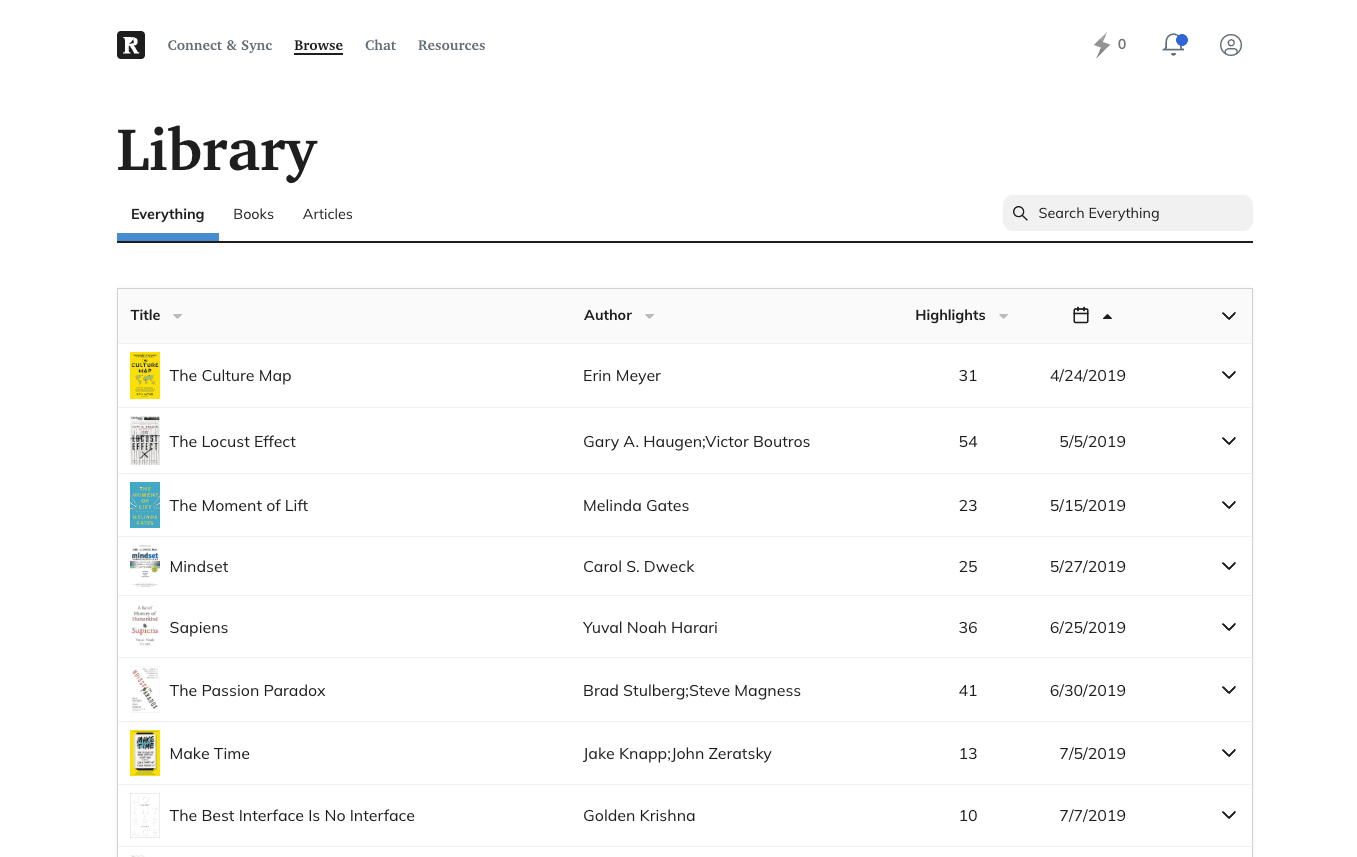
Readwise is a tool most readers have heard of when it comes to highlight management. And for good reason. It has been around for years and built a mature ecosystem around collecting and resurfacing what you read.
Readwise pulls in highlights from Kindle, Apple Books, Instapaper, Pocket, and many other sources. Its Daily Review feature emails you a curated selection of past highlights, using spaced repetition to keep important passages fresh. The separate Reader app adds a full read-it-later experience, so you can save articles and highlight them in one place with native sync back to your highlights library.
Where Readwise really shines is integrations. Highlights flow into Notion, Obsidian, Evernote, Roam, and more. The trade-off is cost: Readwise is a subscription product, with plans starting at $6.99/month. If you want a read-it-later app bundled with highlight sync and the widest export options, Readwise is a strong choice.
Key Features:
- Reader App: Save, read and highlight articles, PDFs, and newsletters with offline support
- Broad Imports: Sync highlights from Kindle, Apple Books, Instapaper, Pocket, and more
- Export Ecosystem: Push highlights to Notion, Obsidian, Evernote, Roam, and other apps
- Daily Review: Resurface past highlights on your own schedule
- Spaced Repetition: Algorithms that vary which highlights appear in your review sessions
Keep in mind that Readwise is a paid tool, with its cheapest plan costing $6.99/month.
3. Clippings.io (only for Kindle)
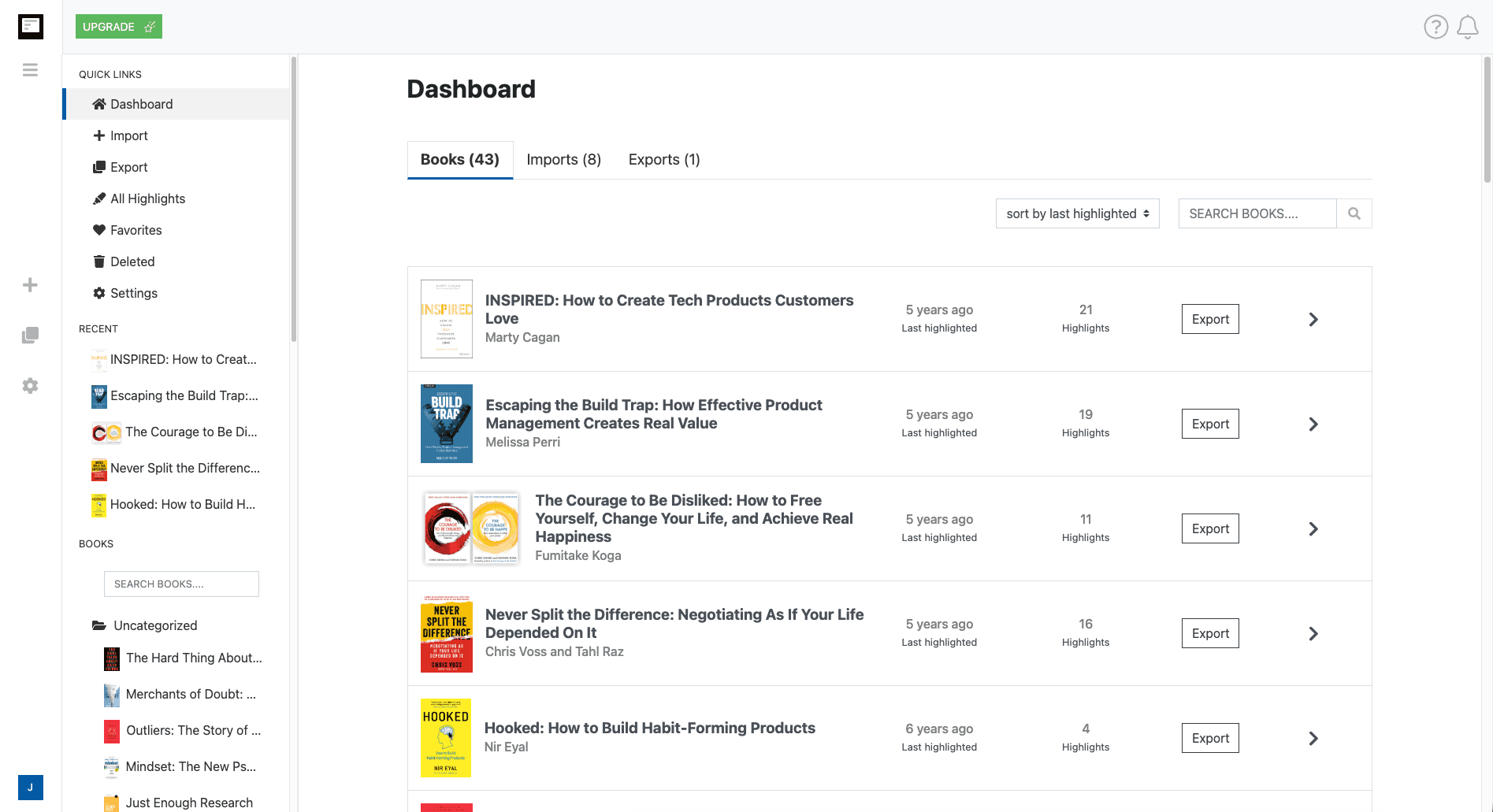
Clippings.io has been around longer than most highlight tools and has focused exclusively on the Kindle workflow. Where PastReads and Readwise cast a wide net across platforms, Clippings.io goes all-in on one thing: getting your Kindle highlights out of Amazon's ecosystem and into a form you can actually use.
Import works two ways. The browser extension (available for Chrome, Firefox, Edge, and Brave) connects to your Amazon Kindle Highlights page and pulls in annotations from books you purchased on Amazon. No USB cable required. For highlights on personal documents you sideloaded to your Kindle, you upload My Clippings.txt from the device instead. Both methods can be used together, and Clippings.io deduplicates automatically so repeat imports only add what's new.
Once imported, the highlights explorer lets you browse, search, edit, and tag everything in one place. For Amazon-purchased books, the Open in Kindle feature jumps you back to the exact passage in the book. You can also export to Google Drive and OneDrive, download as PDF, and much more.
The free plan is generous: unlimited imports, editing, tagging, and search cost nothing. Full exports require the Professional plan, which starts at $1.99/month on an annual subscription.
The main limitation is scope: Clippings.io is Kindle-only. It does not support Kobo or Apple Books. It's also a web-only tool.
Key Features:
- Browser Extension Import: Pull Kindle highlights from Amazon's cloud reader page without plugging in your device
- Import sideloaded books: Import all highlights from your Kindle using the
My Clippings.txtfile - Automatic Deduplication: Re-import safely; only new highlights are added
- Highlights Explorer: Search, edit, tag, and organize Kindle annotations in a searchable library
- Open in Kindle: Jump back to the original passage in Amazon-purchased books
Which Tool Should You Use?
There is no single winner. It depends on where you read and what you want to do with your highlights afterward.
If you read across Kindle, Kobo, and Apple Books and want one free, searchable library, PastReads is the most direct path. If you value a built-in read-it-later app, Readwise may be worth the subscription. And if you are a dedicated Kindle reader who mainly needs to organize highlights from Amazon on the web, Clippings.io has been purpose-built for that workflow.
Start with whichever tool matches where you highlight today. The most important part is getting those ebook quotes out of the silo on your device and into a place you will actually use them.