PastReads Sync for Desktop
Import your Kobo, Kindle, and Apple Books highlights straight from your desktop. Sync them automatically with no file size limits.
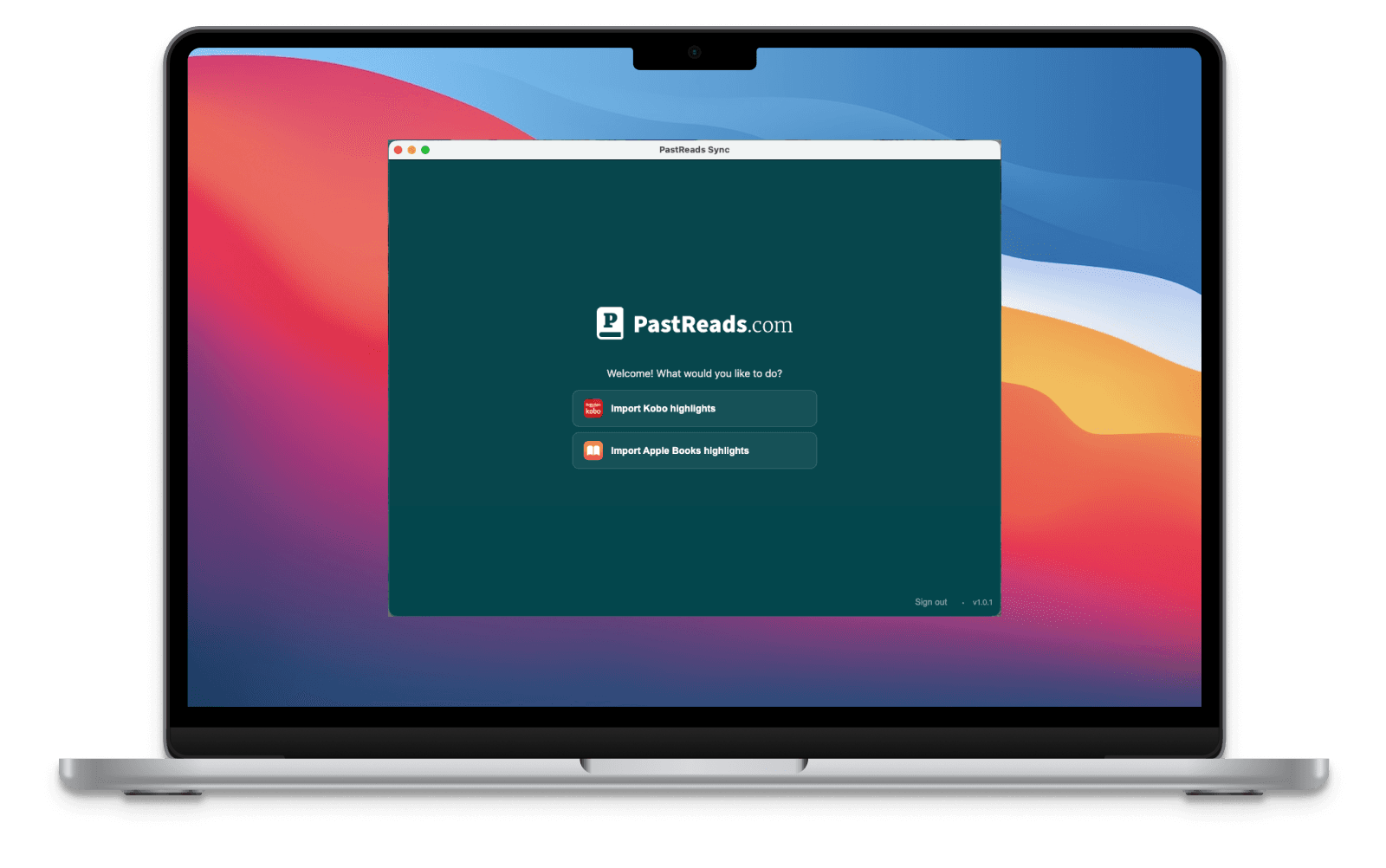
What you can import with PastReads Sync
The desktop app makes syncing and uploading your Kobo, Kindle, and Apple Books highlights effortless. Sign in and start syncing in seconds.
Kobo
Connect your Kobo via USB and sync with one click. Everything is processed locally on your desktop.
View import guide →
Kindle
Connect your Kindle via USB and sync your highlights. No upload size limits.
View import guide →
Apple Books (mac only)
Sync highlights from Apple Books on your Mac automatically. Just click the button and start syncing.
View import guide →Prefer importing in your browser? Sign in on pastreads.com
Get started with PastReads Sync
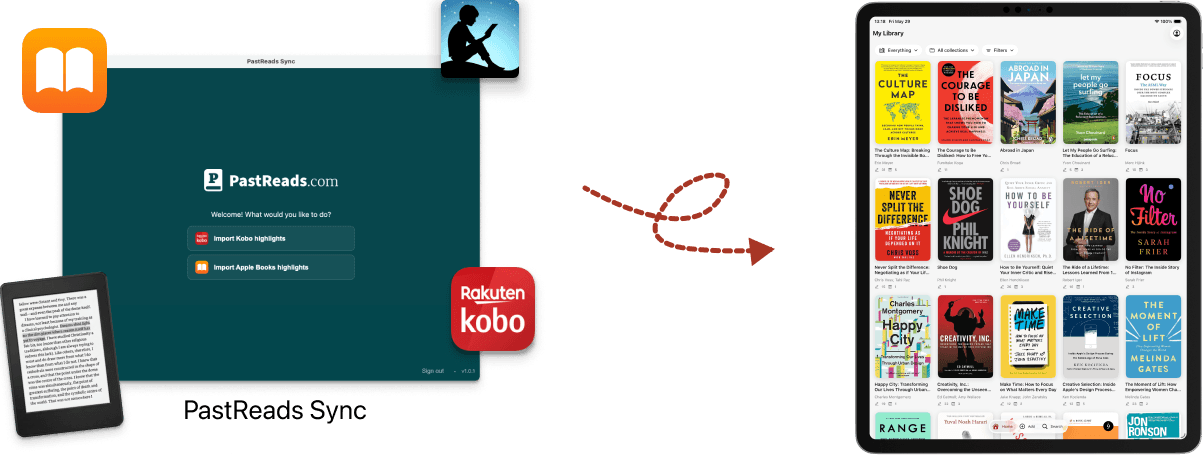
Step 1
Download and sign in
Download PastReads Sync on your desktop and sign in to your account.
Step 2
Choose what to sync
Pick what to import, or connect your e-reader and sync in one click.
Step 3
Access your highlights
You can immediately view and manage all your imported highlights in PastReads.
Privacy built in. All file parsing happens 100% locally on your desktop.